Wednesday, February 25, 2015

Werek 6- Practical Design Projects

Task #1
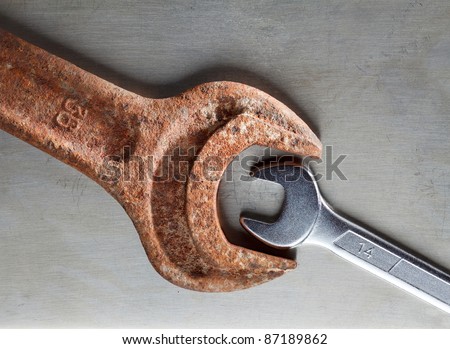
1)Size Contrast- being able to tell the difference between objects based on their size


Shape Contrast- being able to tell the difference between objects based on the difference in shape


Texture/Color Contrast- diference between objects in color or texture


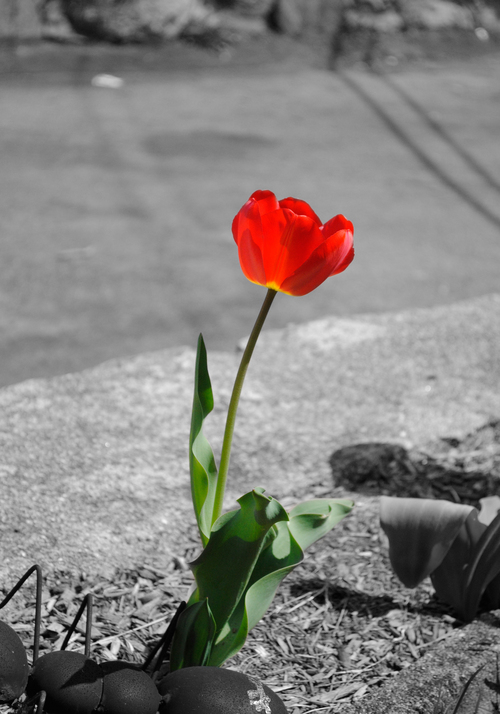
2) Emphasis- special importance, value, or prominence given to something


3) Balancean even distribution of weight enabling someone or something to remain upright and steady


Informal Balance-objects have nearly the same "visual weight" on either side of the vertical center of the photograph composition, but are different in size, shape, texture, or value.


Formal Balance- Each side of the vertical center of a photograph has equal weight and have similar or exactly the same shape, texture, and value contrast.  


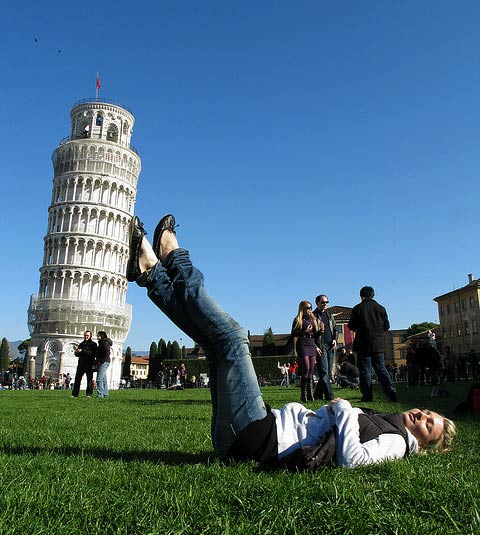
4) Proportion- a part, share, or number considered in comparative relation to a whole.
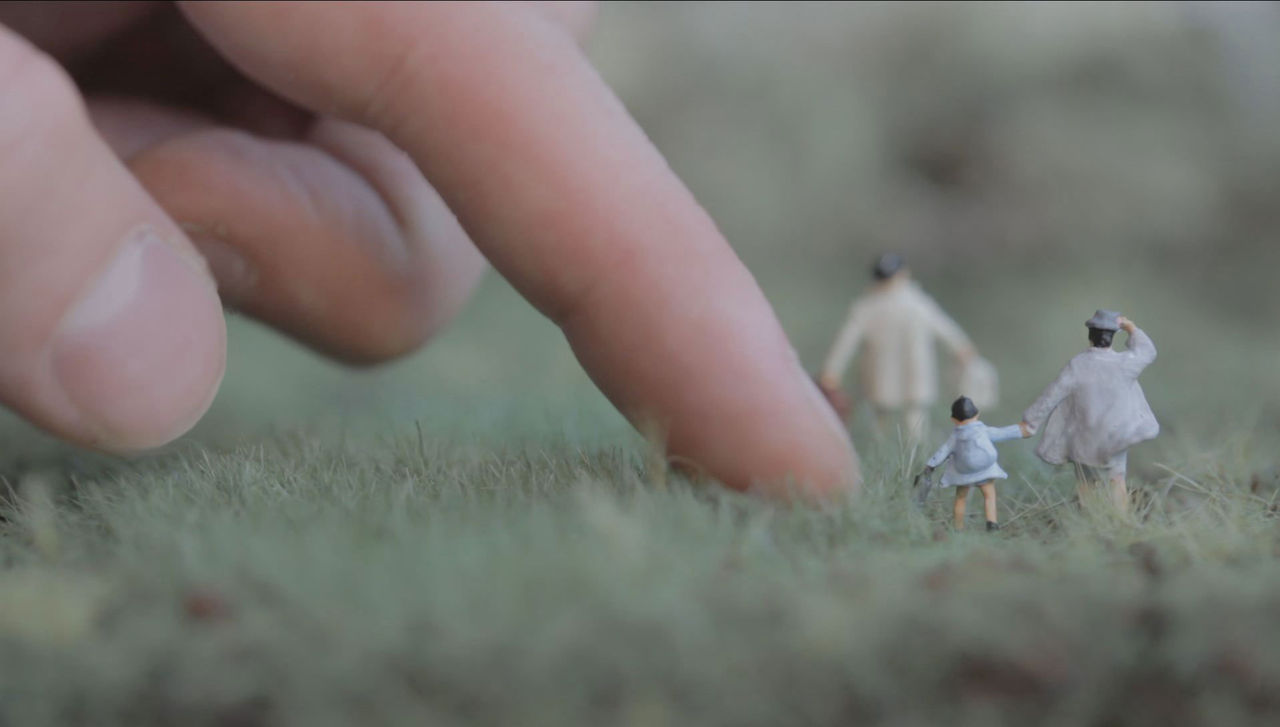


5) Perspectivea technique of depicting volumes and spatial relationships on a flat surface


Wednesday, January 28, 2015

Illustrator (shapes and stick figure


Act Responsibly in class 


Illustrator Notes

 -Creating a new canvas (document)
     press Command+N to make a new canvas
     3 sections of Adobe Illustrator (Toolbox [left], Menu bar [at the top], Panels [right])
     PROFILE: Print, SIZE: Letter, ORIENTATION: Portait

- Interface navigation, drawing tools (Illustrator's shapes & using the Pen Tool)
    Rectangle Tool (M) - makes squares and rectangles with sharp edges
    Rounded rectangle tool - makes rectangles with rounded edges
    Ellipse tool - draw circles and ovals
    Polygon Tool - draws convex regular polygons.
    Star tool - draws stars; to add more edges tap the up arrow, to remove edges tap the down arrow; to     control the sharpness of the star, hold the command key while drawing the star.

   Selection Tool (V)- looks like a black arrow.  Use to select objects that you want to move, copy or     delete.

    Pen Tool (P) - draws line segments and curves

- Setting the Fill Color, and the Stroke Color
First, select your object or line.  
Second, click on the fill color box to set the fill color. 
OR, click on the stroke color box to set the stroke color

- Saving file formats (saving for Adobe Illustrator editing vs. Saving an image for the web)
Save for Adobe Illustrator = (.ai) <<Can ONLY be opened in Illustrator.
Save for the Internet/Your blog = (.jpeg, .gif, .png) << Can be uploaded to your blog.

Monday, January 26, 2015

Wk 3a - Introduction to Adobe Illustrator
(I) Watch Mr. Webb's demonstration and post notes to do the following on your blog:
- Creating a new canvas (document)
Press Command+N to make a new document
Illustrator has 3 main areas: the Toolbox, the Menu Bar, and the Panels
toolbox-the place on the left side of the screen that has all the tools
menu bar- the place at the top of the screen so that you can change the format of the screen  
panels- the place on the right of the screen that allow you to change color and size of the page

- Interface navigation, drawing tools (Illustrator's shapes & using the Pen Tool)
The Rectangle tool (M) - click and drag to draw a rectangle with sharp edges
Rounded rectangles tool
Elipse tool- an oval or a circle
Polygon tool
Star tool
Flare tool- makes circles that normal would appear if you point a camera into a light
- Setting the Fill Color, and the Stroke Color
- Saving file formats (saving for Adobe Illustrator editing vs. Saving an image for the web)
This rebus is showing the name Mike Tyson.

This rebus is saying I can`t bear to watch.